What is OneTime?
OneTime is a free scheduling tool that gathers everyone's availability and finds a time that works for the whole group. Instead of trading dozens of "When are you free?" messages in a group chat, you share a single link, everyone marks the times they are available, and OneTime shows the overlapping slots at a glance.
There is nothing to install — it runs right in your web browser. You can create an event without signing up, but logging in auto-fills your name and lets you save the events you create and the schedules you submit.
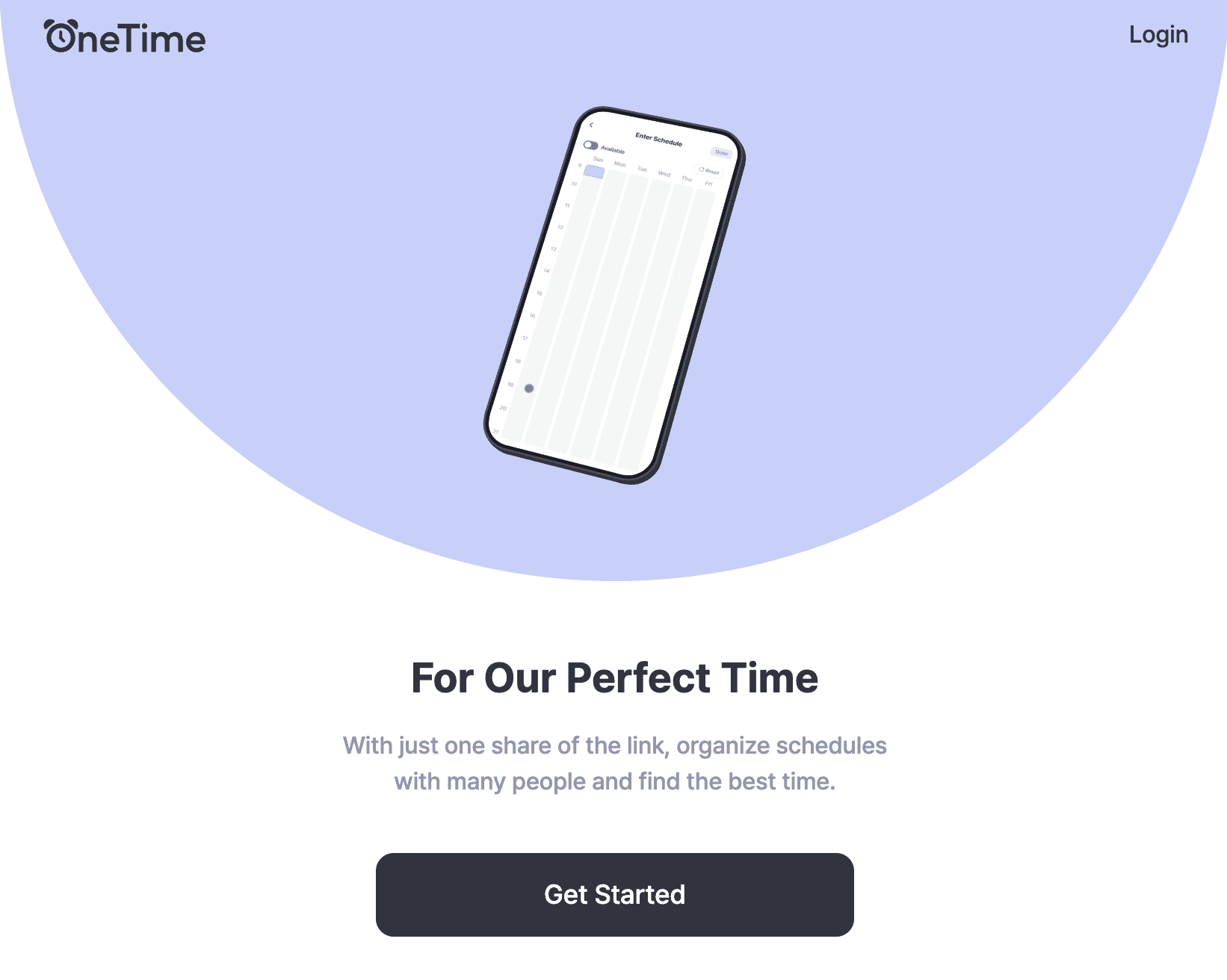
The flow at a glance
Scheduling with OneTime comes down to five steps.
- Create an event — set the name, candidate dates (or weekdays), and time range.
- Share the link — send the generated event link to your participants.
- Add availability — each participant marks the times that work for them.
- View the results — see which time slots work for the most people.
- Confirm the schedule — lock in the final time and share it with everyone.
This guide follows that exact order. Go through it one article at a time and even a first-time user can coordinate a meeting without getting stuck.
Get a feel for it with an example
Curious how a finished event looks before you build one? Browse the examples below — they are real OneTime event screens you can explore.
- View the team meeting example
- View the 1:1 business meeting example
- View the social gathering example
Next step
Ready? It's time to create your first event. In the next article we walk through setting the event name, dates or weekdays, and time range.